QuickBooks Online integration
The small business CRM that works hand in hand with QuickBooks.
Manage leads, customers, estimates, invoices and payments in one place. Lucro connects straight to QuickBooks Online – no third-party tools, no extra costs.
- Code QB1month for 1 month free
- No Zapier or middleware
- UK data centres
How it works
One set of records, kept in sync for you.
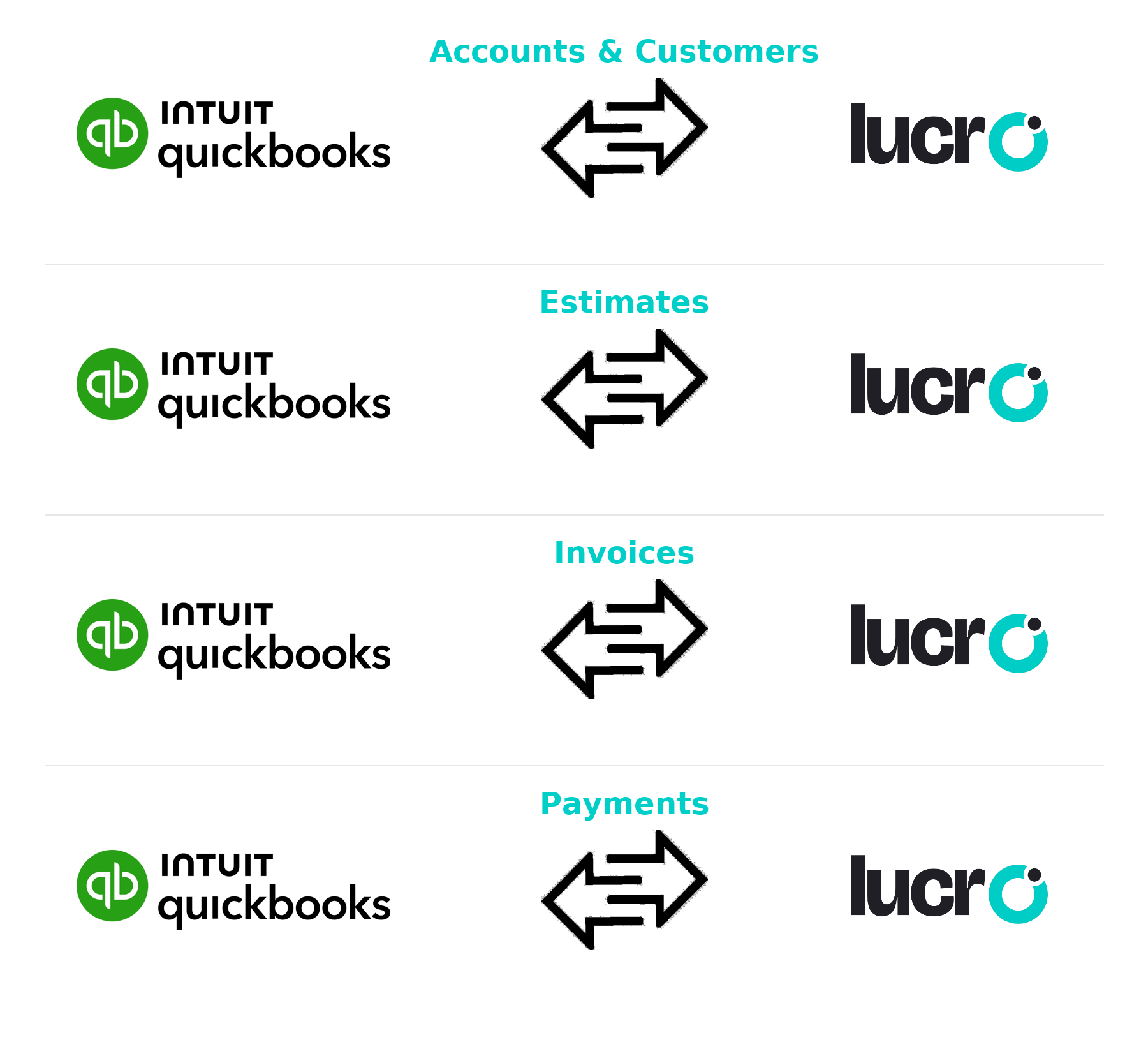
Lucro connects directly to QuickBooks Online and keeps your customers, estimates, invoices and payments in step. Update a record in one and the other follows, so there’s no jumping between systems or typing the same details twice.
It’s built for micro and small businesses that don’t have time for complicated software. Set it up in minutes and get back to running the business.
Why QuickBooks users choose Lucro
Your sales and your accounts finally talk to each other, without a connector to pay for or maintain.
No more double entry
Customer details, estimates, invoices and payments sync automatically. You enter things once and they’re right in both places.
Quicker estimates and invoices
Create and send QuickBooks estimates and invoices straight from Lucro, then see when they’re paid without switching tools.
The whole customer on one screen
Sales history, conversations and QuickBooks payment status sit together, whether you’re chasing a lead or an overdue invoice.
Live view of the money
See revenue, outstanding invoices and customer balances alongside your sales pipeline, instead of waiting for the month-end report.
QuickBooks offer
Try Lucro Standard with QuickBooks – one month on us.
- 1Create your free Lucro account.
- 2Upgrade to the Standard plan and enter code QB1month.
- 3Connect QuickBooks Online and start syncing.
After your free month, stay on Standard to keep the QuickBooks integration, or move back to the Free Forever plan.
Standard plan
£0for your first month
Then £20 per user a month, or £16 billed annually.
- QuickBooks Online integration
- Leads, quotes, invoices and customers in one place
- Pipeline analytics and 25,000 contacts
- Daily backups, on any device
Offer applies to new upgrades only and can’t be combined with other offers. See all plans.
Your CRM and your accounts, finally in step.
Start free, then switch on QuickBooks when you’re ready. We’ll even import your customers for you.